

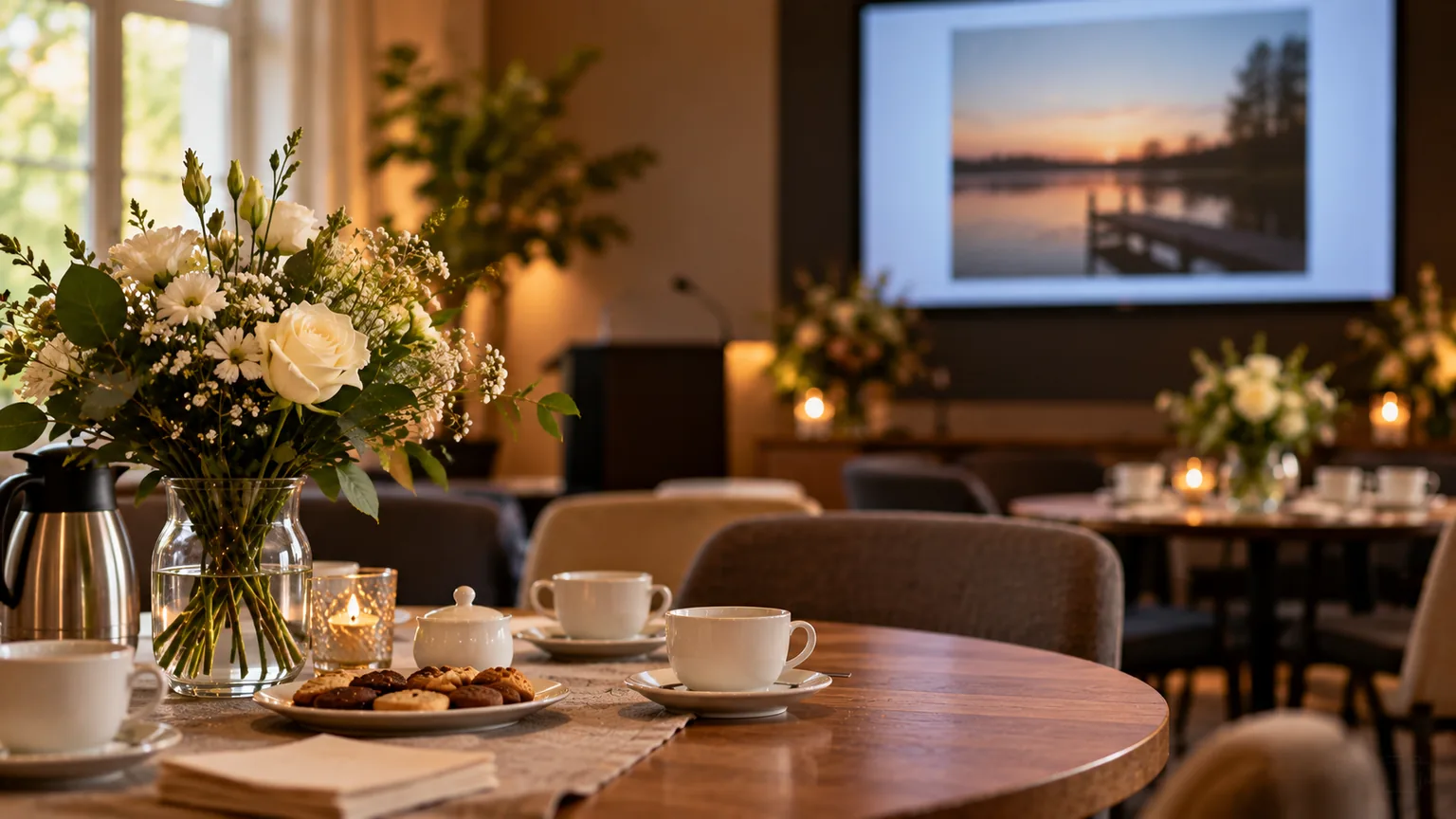
A slideshow for the wake has a different job from the presentation in the chapel. During the service, everyone watches at the same time and in silence; at the wake, the pictures run in the background while people offer their condolences to the family and talk to one another. That is why this presentation can be longer, can repeat itself and can include more photos, the everyday ones and the funny ones too. In this article you can read how to set up a slideshow for the wake and what to agree with the venue.
Why a slideshow at the wake works differently
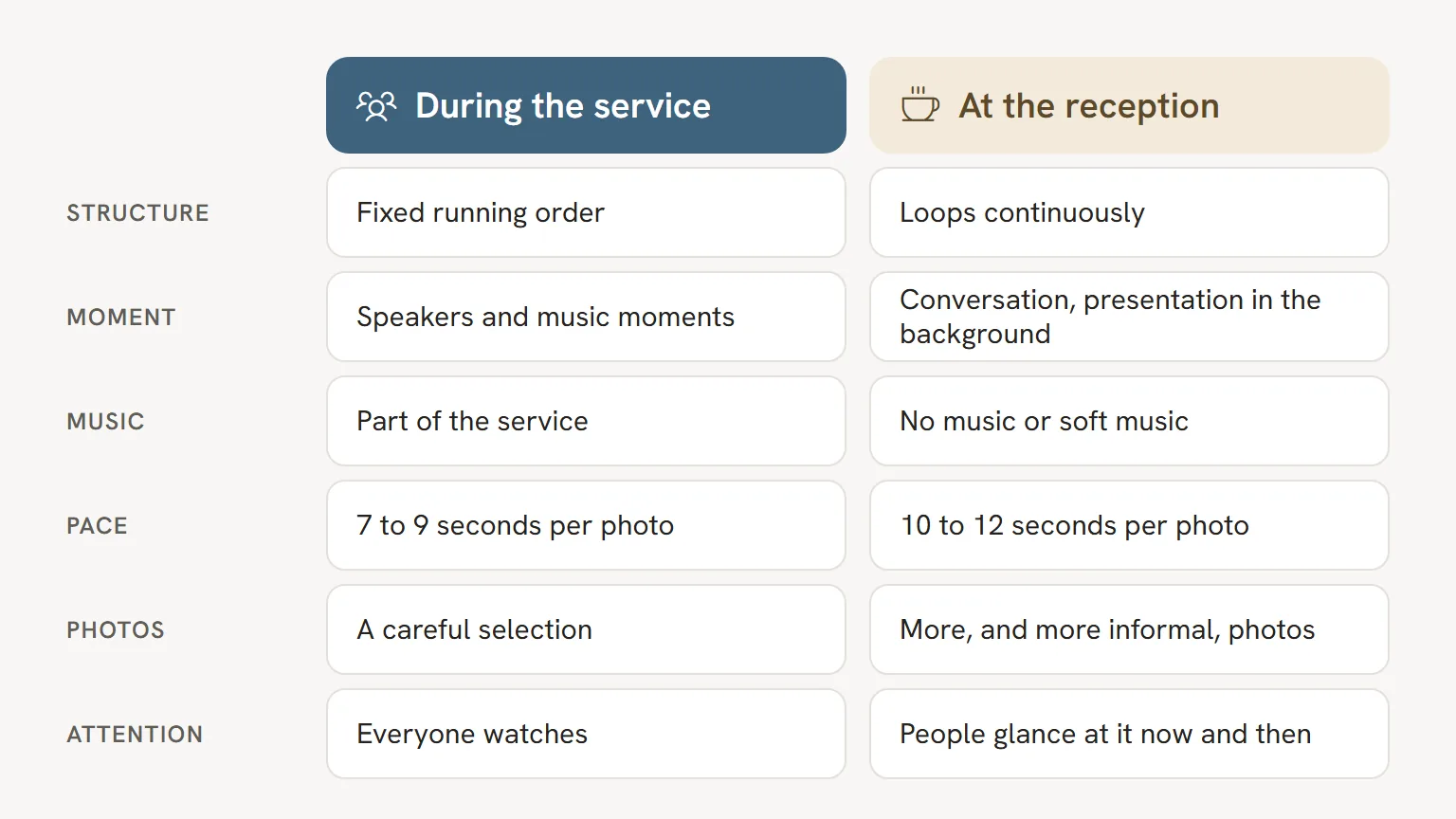
In the chapel or service room, the presentation has a beginning and an end. It follows the running order, the speakers and the music, and everyone watches. At the wake it is different. People arrive, find a seat, go over to the family to offer their condolences and fall into conversation.
So nobody sees the presentation from beginning to end. Someone watches for two minutes, is spoken to, and glances up again a quarter of an hour later. That calls for a presentation people can join at any moment: no structure that only works if you start at the first photo, and no text that tells a story across ten slides.
It often happens that this is where the loveliest conversations start. Someone sees a photo of an old holiday and says: "I was there too." The presentation becomes a reason to share memories.
Length, repetition and music
Longer and continuous
A wake often lasts an hour or more. A ten minute presentation that repeats continuously is perfectly fine then. People hardly notice the repetition, because they aren't watching all the time. If you want less repetition, make it twenty to thirty minutes long.
In PowerPoint you set up a continuous presentation under Slide Show, Set Up Slide Show, and then the option to loop continuously until Esc is pressed. Agree with the venue who does this and who stops the presentation at the end.
No music, or soft music
In a room where people are talking, loud music works against you. Conversations become difficult and the music draws attention away from the family. That is why many families choose no music, or calm instrumental music at a low volume. Ask the venue whether the sound in the wake room can be controlled separately from the chapel.
If you do choose songs with lyrics, it is nice if they suit the mood of coming together rather than the moment of farewell. Whether music at the wake falls under the same arrangements as in the chapel is best checked with the venue. You can read more background in music rights at a funeral.
Time per photo
In the service you allow 7 to 9 seconds per photo. At the wake it can be a little slower, for example 10 to 12 seconds. That way, someone who looks up for a moment has time to see who is in the photo. To see how this relates to the number of photos, read how many photos you need for a funeral slideshow.
Which photos suit the wake?
Here the presentation can be more relaxed than in the service. In the chapel you often choose carefully and keep it limited; at the wake there is room for the rest.
Think of:
- photos that just didn't fit into the service, because the presentation would otherwise have been too long;
- informal photos: at the kitchen table, in the garden, at a birthday;
- funny photos that make the family laugh;
- group photos with friends, colleagues, the sports club or the neighbours, so that guests recognise themselves;
- photos of hobbies, pets or a place the person who has died loved to be.
Even so, the same rule applies here: choose photos that show the person with dignity. A photo that is hilarious within the family can come across as awkward to an outsider. If in doubt, ask someone a little further removed from the family to take a look. The tips in choosing photos for the funeral presentation on quality and landscape photos apply here just as much.
Do you still have lots of loose prints in albums? Guests often love seeing them again here in particular. Read how to digitise old photos without it taking much time.
Arranging the screen with the venue
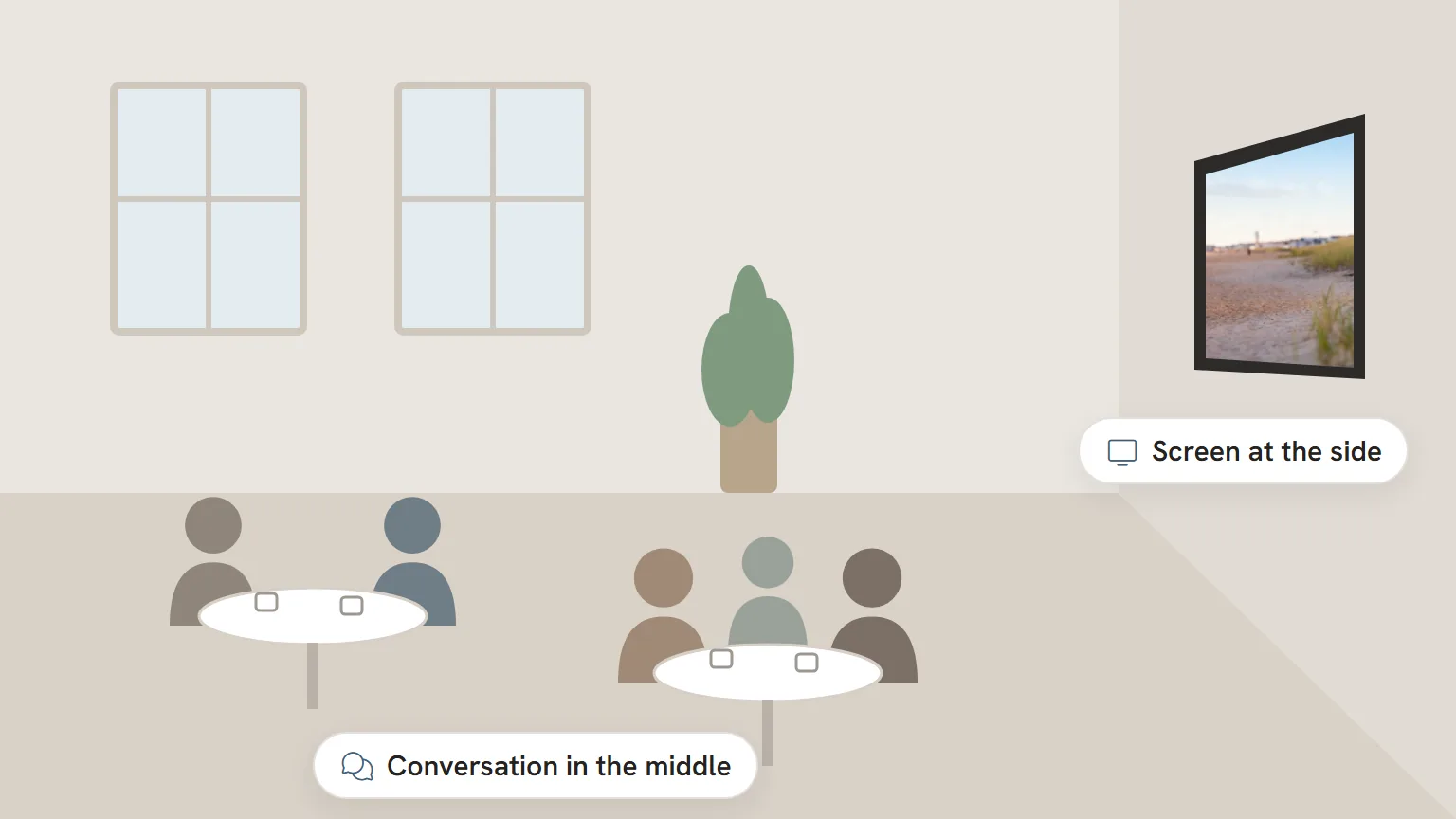
Not every wake venue has a screen. Some have one fixed to the wall, others bring in a separate screen, and sometimes there is nothing at all. The wake is often held somewhere other than the funeral itself, such as a pub, hotel, function room or the family home; in that case, ask there directly. Either way, ask early, ideally in the same conversation in which you discuss the presentation for the service.
Questions you could ask:
- Is there a screen in the room for the wake, and how big is it?
- Can the sound there be switched on or off separately?
- Who starts the presentation after the service, and who switches it off?
- Would the venue like the slideshow for the wake as a separate file, and how far in advance?
- Does the venue play it from a computer with Microsoft PowerPoint?
Venues usually want the presentation 24 hours in advance, sometimes earlier at the weekend. The same goes for a second file. You can read how to deliver it and ask for confirmation in delivering a funeral presentation to the venue.
Reusing the presentation from the service
You don't need to start from scratch for the wake. Much of the work has already been done: the photos have been gathered, cropped and put in order. Broadly speaking, there are three ways to go about it.
The same presentation again. The simplest option, but not always the nicest. Speaker slides and music moments from the service work less well out of context, and people have only just seen it.
Let only the ending keep running. In our tool, the Final farewell block plays on until the room is empty. Some venues also show that ending in the room for the wake. If you would like this, agree it with the venue, because it depends on how the chapel and the wake room are connected technically. The tool does not make a separate, endlessly running series of photos for the wake. You can, however, set a presentation to repeat continuously in PowerPoint yourself: under Set Up Slide Show, turn on the option to loop until someone presses Esc.
A separate slideshow for the wake. You take the photos from the service as a starting point and add the informal photos you left out earlier. You leave out texts and speaker slides. At most an opening slide with the name and the years of birth and death, so that people coming in can see straight away who the presentation is for. You will find more about short texts on slides in text in a funeral presentation. In our tool, a separate slideshow for the wake is a second presentation, and like the first it costs one credit.
A gathering on another day
Sometimes people come together on a separate day, a day or a few days before the funeral, to say goodbye or to offer the family their condolences. The presentation can play the same role there as at the wake. The difference is the planning: you then need the background version earlier than the presentation for the service.
In that case, start with the simple photo loop, and work out the presentation for the service afterwards. That way you already have something to show at the gathering, and you can still take guests' reactions into account when choosing for the service. You can read how to build a complete presentation step by step in making a funeral presentation, step by step.
Frequently asked questions
Does a slideshow at the wake need music?
No, it doesn't. Many families choose no music, or soft instrumental music, because people want to talk to one another. Ask the venue whether the sound in that room can be controlled separately.
How long should a slideshow for the wake be?
Because it repeats continuously, ten minutes is already enough. If you want less repetition, twenty to thirty minutes is a good length. Allow 10 to 12 seconds per photo, a little longer than in the service.
Can I use the same presentation as in the funeral service?
You can, but speaker slides and music moments work less well out of context. A shortened or expanded version with only photos usually suits the atmosphere of the wake better.
Does every wake venue have a screen?
No. Some venues have a fixed screen, others bring one in, and sometimes there is none. So ask early, together with the arrangements for the presentation in the service.
Can funny photos be included?
Yes, the wake is exactly the place for them. Do choose photos that show the person who has died with dignity, and if in doubt, ask someone outside the immediate family to take a look.