
A memorial service presentation, ready to deliver

At the crematorium or funeral hall the presentation simply has to work: start at the entrance, stay still at the speakers and keep playing at the final farewell. This tool creates a PowerPoint that follows all of that by itself, with an instruction document for the person operating the technology.

No installation A real PowerPoint 1 credit per funeral service
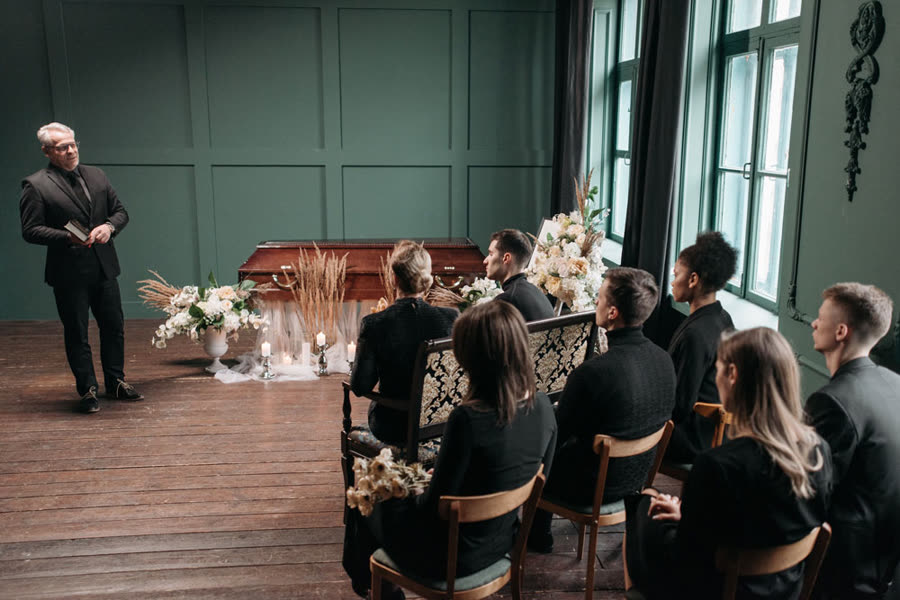
An atmospherically arranged funeral hall with flowers

Standard at every venue

An ordinary .pptx file, the format crematoria and funeral halls work with.

Shareable download link

The venue downloads the presentation itself, without an account or large email attachments.

An operator's guide

Click moments, slide numbers and the music for each part, clearly on paper.

Always the latest version

Change something and the new version is automatically behind the same link.

A presentation that works in every crematorium

Crematoria, funeral halls and cemetery chapels almost all work with Microsoft PowerPoint on a fixed computer or laptop by the room. This tool therefore delivers exactly that: an ordinary .pptx file, not a film file and not a playback format of its own. The person operating the technology works with it as usual, and something can still be adjusted right up until shortly before the service. Why this works so much better with a PowerPoint for the funeral service than with a video is explained on the page funeral video or presentation.

Important to know: at the venue, always play the presentation in Microsoft PowerPoint on Windows or on a Mac. Programs such as LibreOffice or Keynote do not reproduce the timing and the music correctly.

The presentation follows the funeral service

A funeral service has a set course, and the presentation should follow that course without someone constantly having to step in:

  • At the entrance a calm picture is ready, with music underneath if you wish.
  • At musical moments the photos advance automatically with the song; the last photo and the music end together.
  • At speakers the picture stays still, and the presentation waits for a click. A speaker who talks for longer is no problem.
  • At the final farewell the music plays on repeat until everyone has left the room.

What such a running order looks like is explained in our article about the running order of a funeral; what each block does and when to use it is in our explanation of the blocks.

Delivering it to the crematorium or funeral hall

The final version comes with a shareable download link. You send it to the venue, and with it they download the presentation and the instruction document themselves, without an account or sign-in. Emailing large attachments or juggling a USB stick on the day is no longer necessary, though a stick as a backup never hurts. If something changes after the handover, the latest version is automatically behind the same link.

The instruction document (PDF) is meant for the person operating the presentation: for each part it states which slide it belongs to, which music plays with it and at which moments to click and at which moments not. That way even someone who did not prepare the service can accompany the funeral reliably. You will find practical tips on the handover in how to deliver a funeral presentation to the venue.

Check it beforehand, without risk

First you view a trial version with a watermark for free and check everything calmly at home. Only when everything is right do you pay 1 credit for the final version. Up to 7 days after the funeral service the service then stays free to adjust; handy if the family wants to add a photo at the last moment. For the dress rehearsal, use the checklist for playing at the funeral venue too.

Frequently asked questions

About the handover and playing it at the crematorium or funeral hall.

What file format does the crematorium want?

Almost every crematorium and funeral hall works with Microsoft PowerPoint (.pptx). This tool delivers exactly that: an ordinary PowerPoint file that runs on the venue's equipment. If in doubt, briefly ask about the aspect ratio of the screen; 16:9 is the standard today.

How do I deliver the presentation to the crematorium?

The final version comes with a shareable download link. You send it to the venue; with it they download the presentation and the instruction document themselves, without an account or sign-in. Taking a USB stick along as a backup never hurts, of course.

What if something changes at the last moment?

Up to 7 days after the funeral service the service stays free to adjust. After every change the latest version is automatically behind the same download link, with the timing fully recalculated. Just let the venue know that a new version is ready.

Does the presentation work in a church or cemetery chapel too?

Yes. The presentation is an ordinary .pptx file and runs anywhere there is a laptop or computer with Microsoft PowerPoint, including a church, cemetery chapel or funeral hall. The instruction document tells the person operating the technology exactly when to click.

Build it calmly, deliver it with peace of mind

Build the presentation for free and check everything with a trial version. The final version costs 1 credit per funeral service.

Try it free