
Make a ready-to-play PowerPoint funeral slideshow in no time, without any technical hassle.
Order of service, photos and music to hand? Within half an hour you will have turned them into a complete funeral slideshow in our tool, ready for the service. Building it and downloading a fully working trial version are free.

How it works
From an empty order of service to a presentation that simply works on the day itself, with nothing to install.

Add blocks
Choose from six kinds of block: entrance, speaker, music with photos, live music, video and the final farewell. Drag them into the right order.
Photos and music
Upload the photos, music and videos. The time per photo is worked out automatically from the length of the music.
Download
View a watermarked trial version for free and then download the final PowerPoint for the day itself.
Gentle transitions between photos and blocks, exactly as you set them.
Choose a background from the ready-made selection or upload your own image.
No need to worry about the settings for slides, music or video.
Bring the fixed memorial photo back on the blocks you choose.
For funeral directors and for families
Whether you arrange services every week or make a presentation just once for someone dear to you, the tool takes on the technical work.
Funeral directors
Deliver a professional presentation for every funeral, with an instruction document that carries your own logo. Work together with colleagues on the same service and save with credit bundles. Read more for funeral directors.
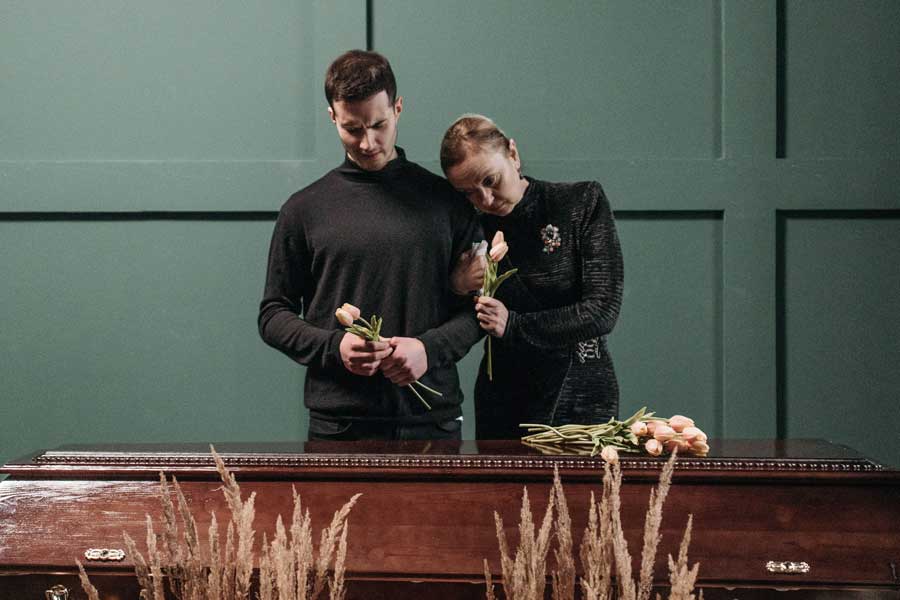
Loved ones and family
Build the presentation calmly, at your own pace and, if you wish, together with the family. Building it is free; you only pay once the final version is ready to download.
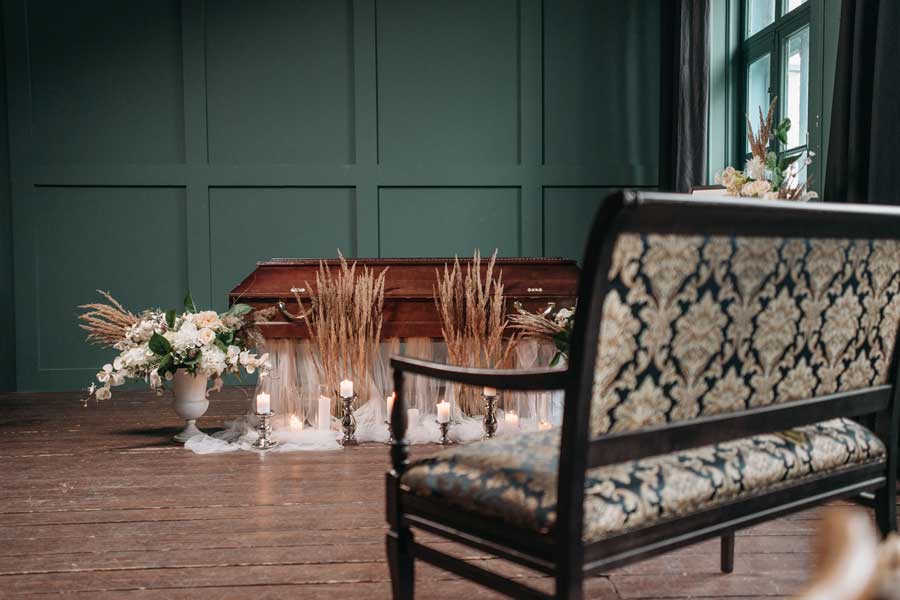
Venue and operator
The funeral venue receives the presentation and an instruction document with all the click moments through a shareable link, with no account or sign-in needed.
1 credit per funeral
Building it and a watermarked trial version are free. The final version costs 1 credit and then stays free to edit until 7 days after the date of the funeral.
1 credit
5 credits
10 credits
Make a funeral slideshow yourself
A funeral slideshow, also called a photo presentation or memorial slideshow, is the slideshow of photos, music and sometimes video shown during the funeral service. Making one yourself in PowerPoint looks simple, but it does take some experience with the programme: the music has to play across several slides, each photo has to stay on screen for exactly the right length so that the song and the last photo end together, the click actions have to be set up correctly, and the photos need to be neatly cropped and in the right file format.
This tool takes that technical work off your hands. You set up the order of service online and upload the photos, music and videos. Everything you need to create a dignified funeral slideshow in a short time is what we have built. No unnecessary features, just what is needed to keep it simple and easy to use, saving you time (and frustration) along the way.
Suitable for the crematorium, funeral hall and church
The result is an ordinary .pptx file that runs in Microsoft PowerPoint on Windows and Mac, the standard at almost every venue. With the final version you receive a shareable download link for the venue, an order of service PDF and an instruction document listing the click moments, so the person operating the presentation knows exactly how the service will run. To read about everything PowerPoint itself involves, see the page about the PowerPoint for a funeral. Want to know more? Read the frequently asked questions or our tips in the helpful articles.
Frequently asked questions
The answers to the questions we are asked most often about making a funeral slideshow.
Where do I start with a funeral slideshow?
It starts with the order of service: together with those involved, you settle the running order of the funeral. Choosing the music, deciding who speaks and when. Then the photos need gathering, usually one main memorial photo (for the card and by the coffin) and extra photos for the slideshows set to music.
Once that is all ready, check with the funeral venue, church or crematorium how they would like the presentation delivered. In many cases they want a complete PowerPoint file they can run from start to finish with a few clicks, without anything going wrong. With our website you can make such a PowerPoint funeral presentation very easily online.
Why should I use funeral-ppt.com rather than doing it myself?
Above all, it saves time. You do not need PowerPoint at all: you set up the whole service digitally in a very user-friendly way, and at the press of a button a ready-made PowerPoint file rolls out. Instantly downloadable, with an order of service and an instruction document for the venue.
You can also easily work together with others (invite people and work on the same service, each with their own account), you get a tidy share link for the venue or family (no fuss with WeTransfer or USB sticks), and everything works on mobile and tablet too.
On top of that come lots of thoughtful touches aimed purely at ease and speed. You can preview each part of the service, every file format is converted automatically (no trouble with HEIC or MOV), and you can easily crop photos to bring out your loved one and trim away unnecessary space. In short: it is made by people who do this a lot, which makes it practical and very easy to use for anyone who has to make a funeral slideshow.
How much does it cost, and why do I have to pay?
Let us say first of all that trying it out is free: you can set everything up and get a feel for whether it works for you. Making a presentation final costs 1 credit at €24.95 (including VAT) per funeral, and you only pay once you are completely happy. You can also download a trial version first, which looks and works exactly like the final version but carries a watermark that makes it unusable for the service itself.
If you are a funeral director, we can offer credits at a more favourable rate. The website has to perform well and stay online at all times, which is why we cannot offer our services for free. For questions, comments or payment problems you can always contact our support team.
How quickly is the funeral slideshow ready?
Almost immediately. Once everything is filled in and you press the button, the files (the PowerPoint file, the order of service and the instruction document) are ready to download within about a minute. It depends a little on the size of the service: with a few large videos included, generating takes somewhat longer.
Can I change the slideshow as often as I like?
Absolutely. Creating and editing a service is completely free and can be done as often as needed to reach a dignified result. It works like this:
- You fill in the order of service and get everything just the way you want it.
- You click the "Finalise" button, which generates the PowerPoint file. At that moment the date of the funeral is also made final and fixed.
- Up to 7 days after the funeral date you can keep making changes and generate a new version free of charge at any time.
We deliberately chose 7 days after the funeral, because looking back you may still want to adjust the file you keep in your archive to revisit later.
How are security and privacy handled?
We treat your data with care and have arranged everything around security to the modern standard. Only you as the user (and anyone you add to the service via the "Collaborate" button) can see and access everything that happens within your account. Even we cannot simply access the photos that are uploaded, and we use them solely for the technical purpose of building the slideshow you want.
Every service that is created is fully deleted 30 days after the funeral date and remains downloadable for your own records until then. For more information, see our privacy policy. You can delete your account or services at any time, and all data disappears immediately.
Can you make the presentation for us instead?
That is possible: if you supply the order of service and the photos, we can build the presentation for you. This service does come at a cost, usually between €80 and €120 (excluding VAT), depending on the size of the service and the state of the photos supplied. Contact support@funeral-ppt.com to discuss the schedule.

Start today: building it is free
Build the order of service, view a free trial version and only pay a credit once you download the final presentation.