

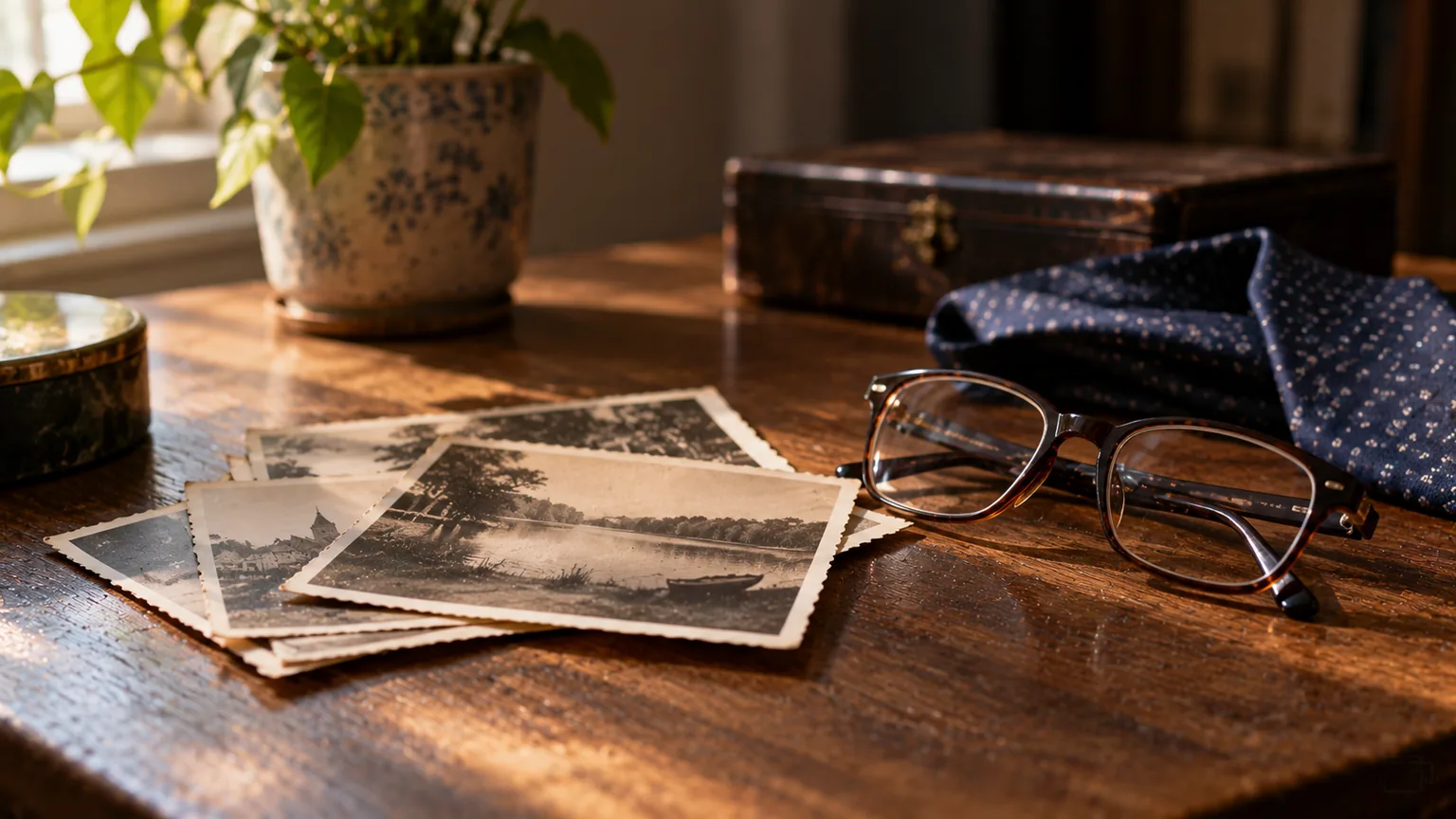
Having only a few photos for a funeral slideshow is more often the rule than the exception. Someone did not like the camera, photos were lost in a house move, or their life took place at a time when hardly any photos were taken. With ten or twenty good pictures you can still make a calm, personal funeral presentation. This article explains how.
How many photos do you actually need?
With an average song of 3 to 4 minutes and about 7 seconds per photo, you arrive at around 23 to 34 photos per piece of music. That number is daunting if you only have fifteen in total. But it is a guideline, not a requirement. You can read more background in the article on how many photos you need for a funeral slideshow.
A presentation does not need to be full to be good. Families quite often say afterwards that it was precisely those few photos, calmly on screen, that made the deepest impression. Fewer pictures give the room time to look.
Leave photos on screen for longer
The simplest solution is to lengthen the screen time. Instead of 7 to 9 seconds, a photo then stays up for 15, 20 or 30 seconds. With a gentle transition in between, that does not feel slow, but quiet and considered.
In our tool this happens automatically: in a music with photos block, the time per photo is matched to the length of the song. Put six photos with a three-minute song and each photo stays up for about half a minute. You do not have to work anything out.
Fewer pieces of music with photos
A service usually has 3 to 5 pieces of music. They do not all need photos. For one or two songs you can leave just the memorial photo on screen and save the photos for a single moment, for example after the last speaker. That way you do not spread a few photos thinly over the whole service, but give them one place of their own.
One photo per piece of music
It can be simpler still: one photo for each song, staying on screen for the whole song. Choose an image for each moment that suits the song or the speaker. This works especially well with older photos of modest quality, because people can take their time looking at them.
Photograph what someone left behind
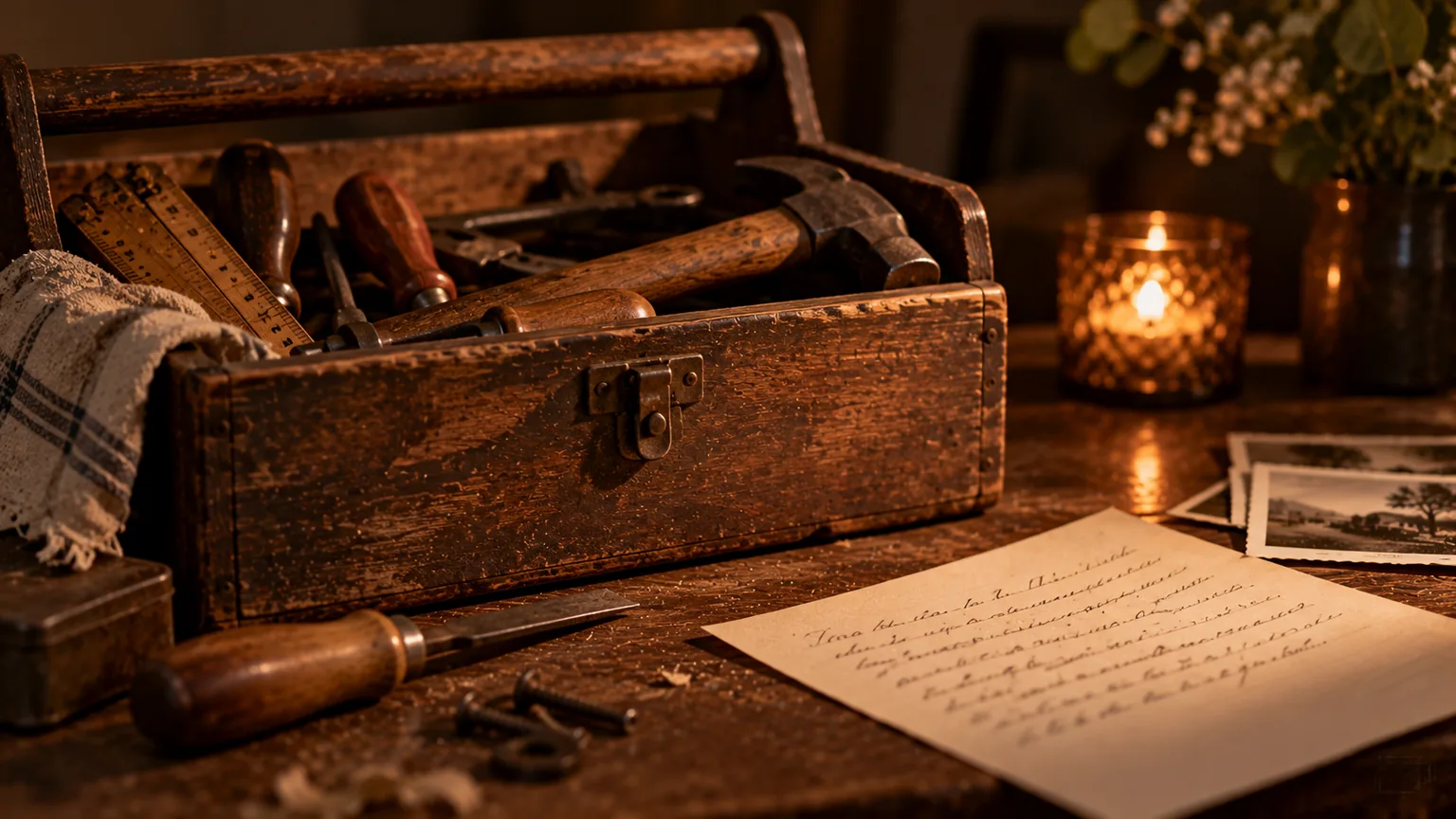
If there are few photos of the person themselves, photograph the things that belonged to them. Belongings and places often bring back more memories than you would expect. Think of:
- their handwriting on a shopping list, a card or in a recipe book;
- tools in the shed, the knitting needles with the work half done, the bike;
- a coat on the hook, the shoes by the door, the favourite chair by the window;
- the vegetable patch, the allotment, the usual bench in the park;
- the dog or cat, the birdcage, the collection on the windowsill.
Take the photos in daylight, without flash, and hold your phone sideways. Frame the object calmly with little around it. A landscape photo fills the screen best, just as with ordinary photos. You can read more about this in our 7 practical tips for choosing photos.
Ask others for photos
There are often more photos than the family thinks. They are just with other people. Shortly after the death, send round a message with a specific request and a deadline. For example: "Do you have any photos of Ken at the chess club? We would love to use them at the funeral. Please send them by Wednesday evening."
Places worth trying:
- friends, neighbours and former colleagues;
- the sports club, the choir or the band (they often have a photo archive or an anniversary book);
- the employer, for example photos from a leaving do or a work anniversary;
- the church or mosque, the volunteer group;
- the old school friends' group chat or the family group of cousins.
Ask people to send the photos as files rather than screenshots. How to convert old prints and slides as well is explained in collecting photos and digitising old ones. Because you can collaborate with others in the tool, not everything has to go through your own phone.
Text slides with memories
A short piece of text between the photos can fill a gap in the visual story. Not long stories, just one memory per slide. For example:
Coffee at ten every Sunday. Always with a biscuit on the saucer.
He knew every bird in the garden by name. Now we know a few too.
Keep it to one or two lines and use large, calm lettering. How to word texts like these and keep them readable is covered in the article on words for a funeral slideshow. Our tool does not put any text on the slides itself. So you make a text slide as an image (for example in PowerPoint or a photo editing app) and then simply add it as a photo.
Videos from phones
Look on the family's phones too. A ten-second clip of someone laughing, waving or saying something often moves people more than a still image. In the tool you can add a separate video block; the video starts automatically and the presentation then carries on. Videos from an iPhone (MOV) are converted automatically.
Choose short clips and pay attention to the sound: background noise or other people's conversations are usually not something you want to hear in the chapel. Check with the venue whether video with sound works well on their system.
The memorial photo as a steady anchor
When there are few photos, the memorial photo becomes all the more important. It is on screen during the entrance, during the speakers and at the final farewell. That already fills a large part of the service with one well-chosen image. What to look for when choosing it is explained in choosing the memorial photo.
You will find the complete route from running order to delivery in our guide to making a funeral presentation. If you would first like to see which blocks a presentation is made of, take a look at the parts of a funeral presentation.
Frequently asked questions
Can I make a funeral slideshow with just five photos?
Yes. Leave the photos on screen for longer, use them with one piece of music and keep the memorial photo on screen for the rest of the service. Add a few photos of belongings or places and you have a complete presentation.
How long can a photo stay on screen?
There is no fixed limit. With a gentle song, a photo can easily stay up for 20 to 30 seconds, especially with soft transitions. In our tool the time per photo is spread over the length of the song automatically.
Is it strange to show photos of belongings?
No. Tools, handwriting or a favourite spot in the house often say a lot about who someone was. People recognise those things straight away, and they often give speakers a lovely starting point.
Can I just use other people's photos?
Always ask whether someone is happy for their photo to be included in the presentation, especially if other people can be recognised in it. In practice, most people are pleased that their photo has a place.