
The memorial photo is the photo that stays on screen longest during the funeral. At the entrance, during the speeches and at the final farewell, everyone in the room looks at it, and the same photo often appears on the order of service and beside the coffin too. When choosing the funeral photo, focus above all on whether people will recognise the person, whether it stays sharp on a large screen and whether the family feel it truly shows them. Below you can read what else to look out for.
Where does the memorial photo appear?
It helps to know how often, and how large, the memorial photo will be seen. In an average service, it is on screen while people come in and take their seats, during every speech and at the final farewell. Taken together, that can easily be more than half of the service.
In our tool, the memorial photo is a fixed photo that returns in the blocks you choose for it, such as Entrance, Speaker and Final farewell. So you choose it once and don't have to add it again for every part.
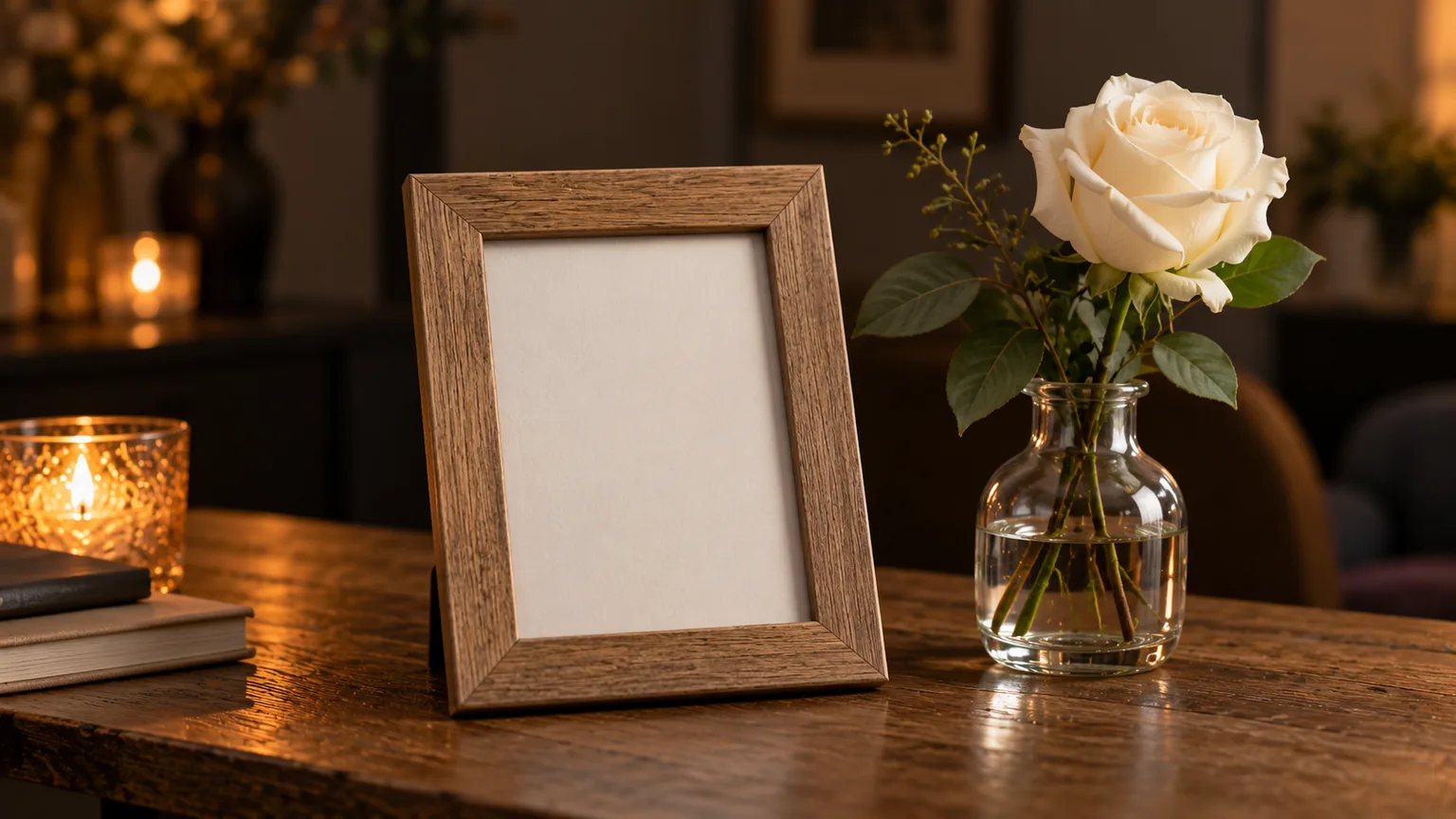
Outside the presentation, the same photo is often used on the order of service, in a frame beside the coffin or where people offer their condolences. That single photo at a farewell is, incidentally, much older than the presentation itself; you can read more about that in the history of the funeral presentation. It is nice when the photo is the same everywhere. Agree with the funeral director which version goes to the printer.
Recognisable: recent, or as we knew him?
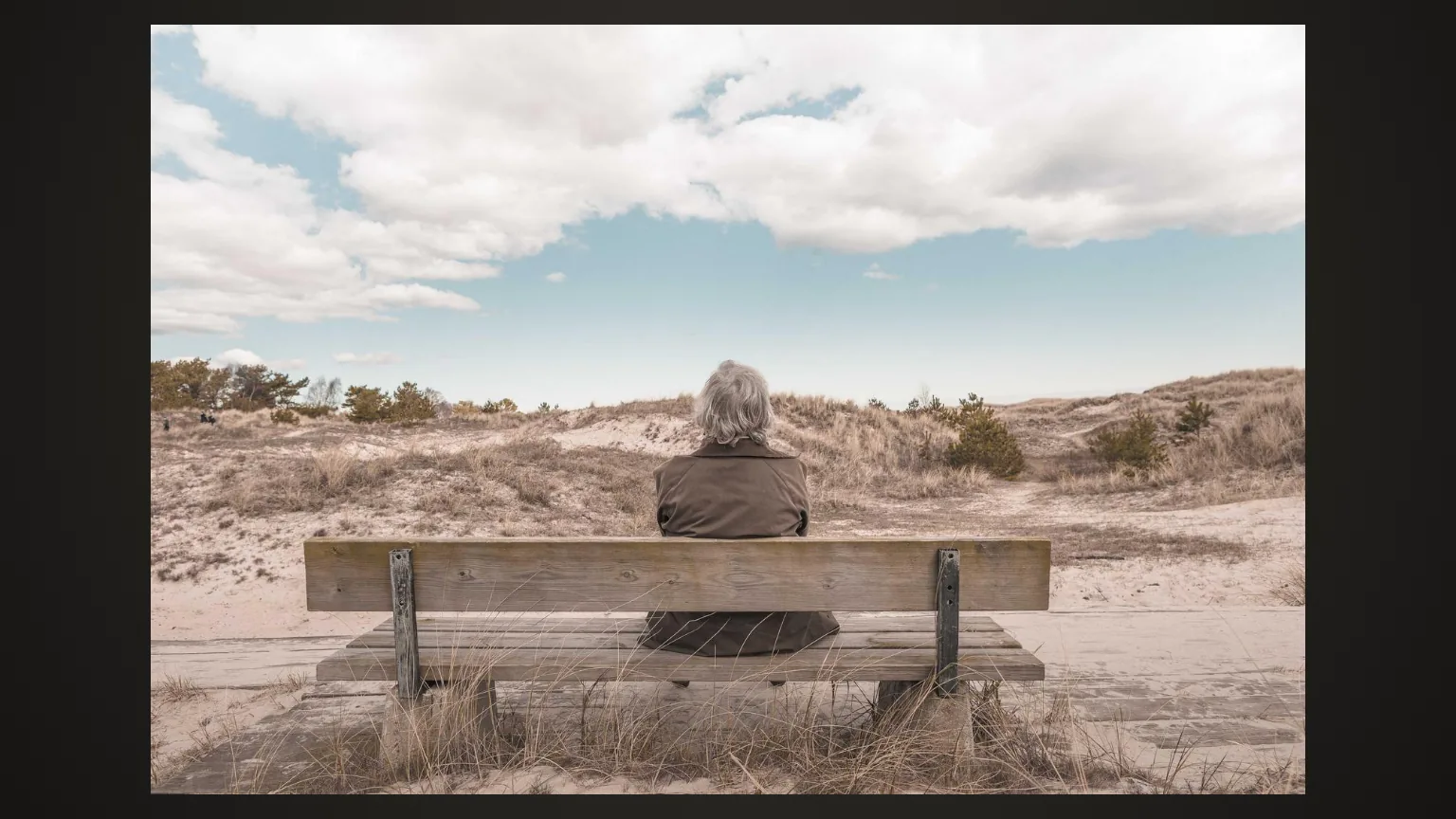
This is often the hardest choice. A recent photo shows how someone looked in their last years. But after a long illness or at a great age, many people actually recognise the person better in a photo from a few years earlier.
A rule of thumb from experience: choose the photo in which most of the mourners will recognise him or her. If many colleagues and sporting friends from recent years are coming, a more recent photo fits. If someone had been ill for a long time and most people knew her from before, a photo from before that time is often better. Families quite often deliberately choose a photo from "when she was still herself". That is a good reason.
Look at the expression as well. A gentle smile and an open gaze almost always work. A photo in which someone is looking elsewhere, or half laughing at a joke nobody knows, quickly feels odd on a large screen. You will find more general advice in our 7 practical tips for choosing photos.
Sharpness and resolution: think of the big screen
A photo that looks lovely on your phone can turn grainy on a screen two or three metres wide. So keep an eye on the following:
- The original file. Photos forwarded via WhatsApp or social media have often been reduced in size. Ask whoever took the photo for the original.
- No screenshots. A screenshot of a photo usually has far fewer pixels than the original.
- Enough pixels. As a guide, a photo that fills a Full HD screen should ideally be at least around 1,000 pixels high. Modern phone photos easily manage that. A small section cropped from a group photo often doesn't.
- Sharp on the eyes. Zoom in on the eyes. If they are blurry, the room will see it too.
If you only have an old print, have it scanned properly rather than taking a photo of it with your phone. You can read how in digitising old photos. For the order of service, the printer sometimes asks for a higher resolution than the screen needs, so do check.
Landscape or portrait
The screen in a chapel or service room is almost always wide (16:9). A landscape photo fills it most beautifully. Even so, many portrait photos are upright, especially those taken by a photographer or in a passport photo style.
A portrait photo is perfectly fine. It then sits in the middle of the screen, with a calm background to the left and right. Choose that background so that it doesn't overwhelm the photo: a dark or muted colour usually works better than a busy image. You can read more about choosing backgrounds in the article on the design and background of a funeral slideshow.
Cropping and background
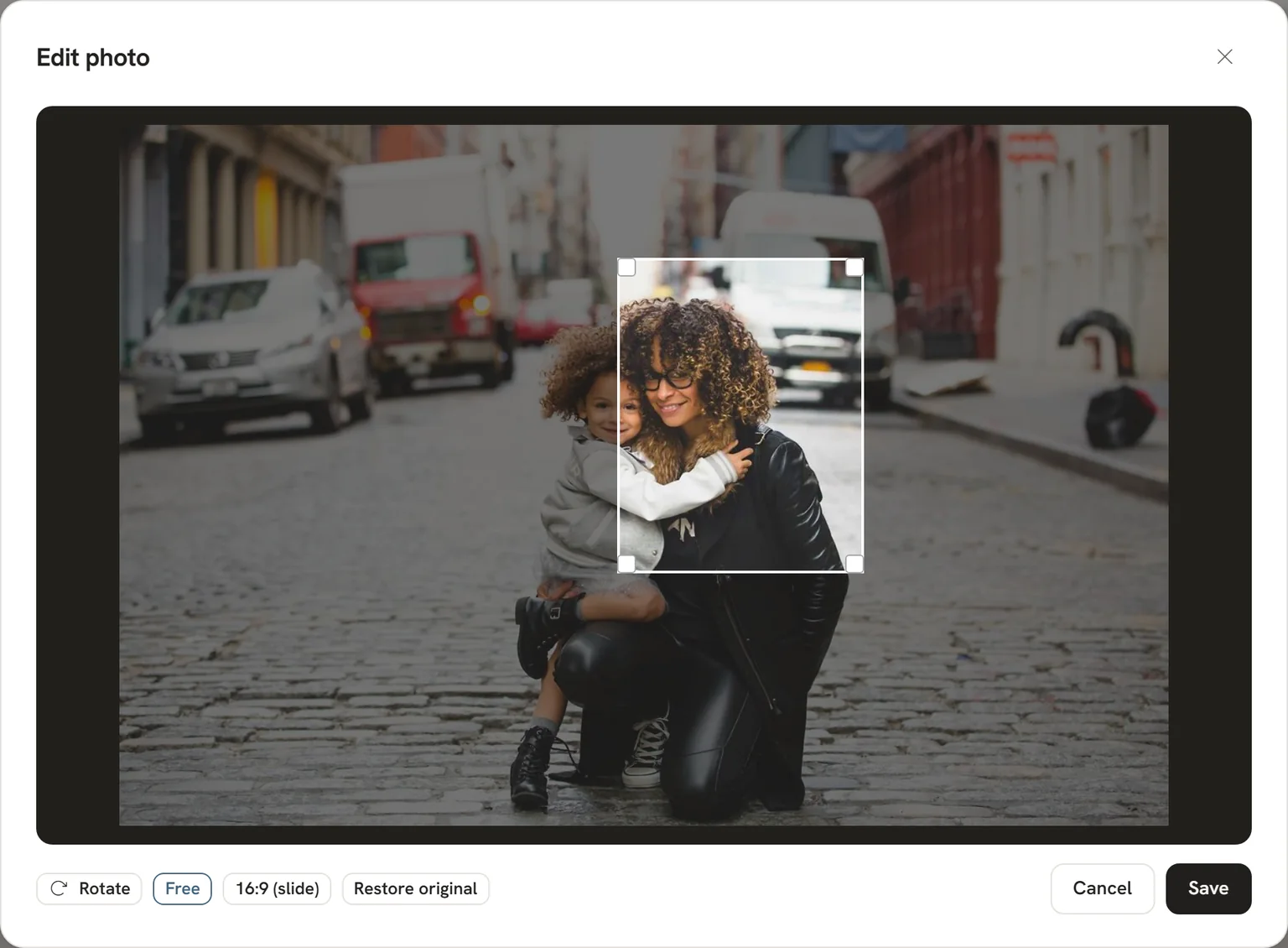
Often the loveliest photo of someone is one with more going on: a birthday, a holiday, a group photo. In that case you crop the photo. A few things to bear in mind:
- Leave space above the head and below the chin. Cropping too tightly feels cramped.
- Keep the eyes roughly a third of the way down from the top.
- Watch the edges: half a shoulder or someone else's hand is distracting.
- A busy background (a party venue, a crowded campsite) pulls the attention away. Crop more tightly or choose a different photo.
In the tool you can crop photos without a separate program, and in the preview you can see straight away how the memorial photo looks on screen.
Colour or black and white?
A colour photo feels close and full of life. Black and white looks restrained and timeless, and makes differences in quality less visible. Both are common.
Above all, choose what suits the person. Someone who loved bright colours is perhaps not someone you want to show in grey. If the photo is old and a little faded, black and white can actually make it calmer. Ideally, use the same version on the order of service and on screen.
Choosing together with the family
The memorial photo is personal, and everyone has their own picture in mind. It is wise to look at it together with the immediate family. Put two or three candidates side by side, preferably on a large screen or a laptop rather than just on a phone.
Agree who will make the final decision, so that the choice doesn't stay up in the air. Whoever is making the rest of the presentation can often fill that role well. With a funeral presentation for your father or mother, several brothers and sisters are often involved. Then it helps to make the decision early, so that the photo also reaches the printer in time.
The whole step by step plan, from running order to handover, is in our guide to making a funeral presentation. If you would also like to put words on the opening slide, have a look at words in a funeral presentation.
Frequently asked questions
Does the memorial photo have to be a recent one?
No. Choose the photo in which most of the mourners will recognise the person who has died. After a long illness, that is often a photo from a few years earlier. Talk this over with the family.
Can I use a portrait photo as the memorial photo?
Yes. On a wide screen, a portrait photo sits in the middle, with a calm background on either side. A landscape photo does fill the screen more nicely, so if you have the choice, landscape is preferable.
What if the only good photo is blurry or small?
First ask whether anyone has the original file. If there is only a print, have it scanned. If that isn't possible, choose a slightly smaller display or black and white, which makes the blur less noticeable.
Should the photo on the order of service be the same as the one on screen?
It doesn't have to be, but it is common and it gives a sense of calm. Agree with the funeral director which version goes to the printer.